How to Make a Web Audio Player Accessible
An accessible audio player works for keyboard, mouse and screen reader users alike. A player that only works with a mouse, or that a screen reader announces as “button, button, button”, shuts out a lot of visitors. The good news: most accessibility problems come from a handful of mistakes that are easy to avoid.
Table of Contents
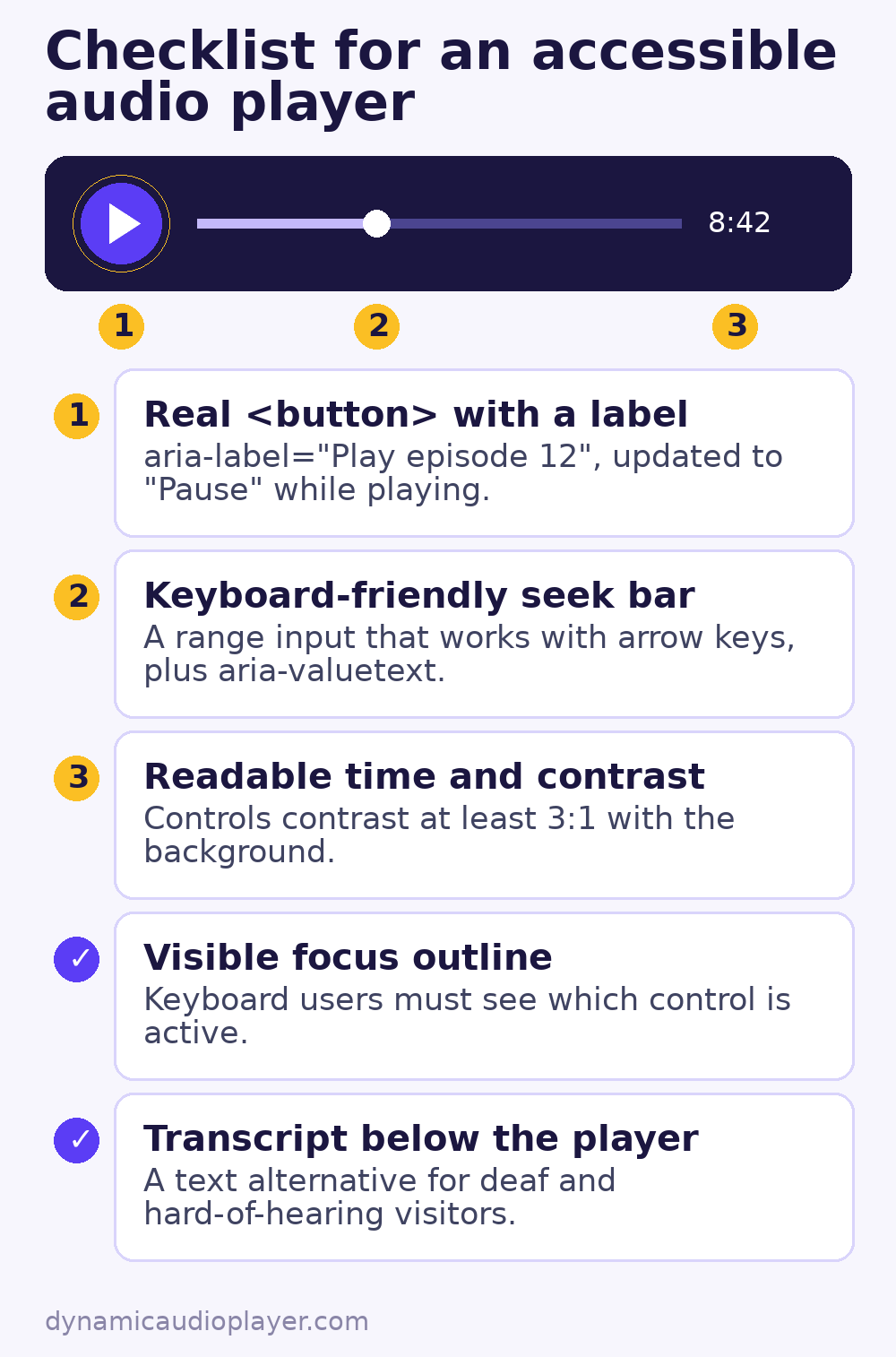
Start with the native player
The browser’s built-in controls (<audio controls>) already work with the keyboard and are announced by screen readers. If you do not need a custom design, the native player is the most accessible choice with zero extra work. It looks slightly different in each browser, but that is a small price for reliable access.
If you build custom controls
Use real buttons
A <div> with a click handler cannot be reached with the Tab key and has no role for screen readers. Use <button type="button"> for play, pause, skip and mute.
Give every control a name
Icon-only buttons need a text label. Update it when the state changes, so the label always describes the action:
<button type="button" class="play" aria-label="Play episode 12">
  <svg aria-hidden="true" focusable="false">…</svg>
</button>

<script>
  const btn = document.querySelector('.play');
  const audio = document.querySelector('#ep12');
  btn.addEventListener('click', () => {
    if (audio.paused) { audio.play(); } else { audio.pause(); }
  });
  audio.addEventListener('play',  () => btn.setAttribute('aria-label', 'Pause episode 12'));
  audio.addEventListener('pause', () => btn.setAttribute('aria-label', 'Play episode 12'));
</script>
Make the progress bar keyboard friendly
A native range input is the easiest accessible seek bar. It works with arrow keys, and aria-valuetext lets screen readers announce a readable time instead of a raw number:
<label for="seek">Position</label>
<input id="seek" type="range" min="0" max="100" value="0"
       aria-valuetext="0 minutes 0 seconds of 24 minutes">
Keep the focus visible
Never remove the focus outline without replacing it. Keyboard users need to see which control is active. A strong :focus-visible style is enough.
Check colour contrast
Icons and progress bars should stand out clearly from the background. WCAG asks for a contrast ratio of at least 3:1 for interface components such as buttons and sliders.
Do not autoplay
Sound that starts by itself can drown out a screen reader. WCAG requires a way to pause or stop any audio that plays automatically for more than three seconds. The safest approach is to wait for the visitor to press play. Read more in why autoplay is blocked.
Provide a transcript
Deaf and hard-of-hearing visitors cannot use audio-only content without a text alternative. A transcript below the player solves this, and it also helps people who prefer to skim, as well as search engines. For podcasts, a lightly edited transcript with speaker names is ideal.
Respect motion preferences
Animated waveforms and spinning record graphics can bother people with vestibular disorders. Pause or simplify animations when the visitor’s system asks for reduced motion:
@media (prefers-reduced-motion: reduce) {
  .waveform { animation: none; }
}
Test your accessible audio player
- Unplug the mouse and operate the whole player with Tab, Enter, Space and the arrow keys.
- Turn on a screen reader (VoiceOver on macOS and iOS, NVDA on Windows, TalkBack on Android) and listen to how each control is announced.
- Zoom the page to 200% and check that the controls still fit and work.
For player basics, see the HTML5 audio element guide.
Common questions
Is the default browser player an accessible audio player?
Mostly. The native controls work with the keyboard and are announced by screen readers, so they are a good starting point. You still need a transcript and must avoid autoplay.
Do I need a transcript for music?
For instrumental music, a short text description is usually enough. For speech, such as podcasts and interviews, provide a full transcript.